WCAG 2.2 Website Audit
Comprehensive WCAG 2.2 report of the Calgary Jubilee landing page.
WCAG 2.2
Level A
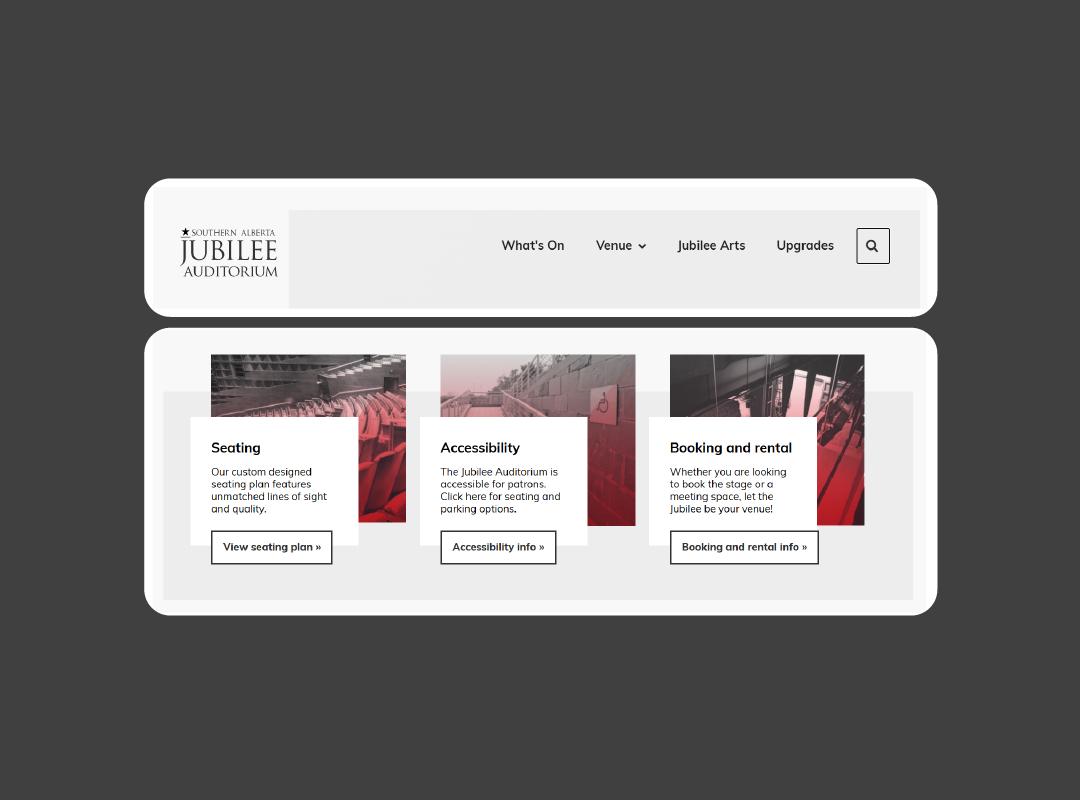
Success Criterion 2.1.1 Keyboard
All functionality of the content is operable through a keyboard interface without requiring specific timings for individual keystrokes, except where the underlying function requires input that depends on the path of the user's movement and not just the endpoints.
Determination : Failure
While all content is operable, there are multiple instances of incorrect ordering, missing focus indicators, which impact user-interaction. These need to corrected to be considered a success.
WCAG 2.2
Level A
Success Criterion 2.1.2 No Keyboard Trap
If keyboard focus can be moved to a component of the page using a keyboard interface, then focus can be moved away from that component using only a keyboard interface, and, if it requires more than unmodified arrow or tab keys or other standard exit methods, the user is advised of the method for moving focus away.
Determination : Success
In all relevant instances, keyboard navigation can be utilized without running into a ‘trap’.
WCAG 2.2
Level AAA
Success Criterion 2.1.3 Keyboard (No Exception)
All functionality of the content is operable through a keyboard interface without requiring specific timings for individual keystrokes.
Determination : Success
In all relevant instances, content is operable through the keyboard.
WCAG 2.2
Level A
Success Criterion 2.1.4 Character Key Shortcuts
If a keyboard shortcut is implemented in content using only letter (including upper- and lower-case letters), punctuation, number, or symbol characters, then at least one of the following is true: it can be turned off, remapped, or have active-only on focus.
Determination : Not Applicable
There is no instances of character key shortcuts.
WCAG 2.2
Level A-AAA
Success Criterion 2.2 Enough Time
Success Criterion 2.2.1, 2.2.2, 2.2.3, 2.2.4, 2.2.5, and 2.2.6 cover considerations for time-sensitive content, such as videos, authentications, and interrupting elements on the page.
Determination : Not Applicable
Success Criterion 2.2.1 to 2.2.6 are not applicable, as there of instances of such content on this webpage.
WCAG 2.2
Level A-AAA
Success Criterion 2.3 Seizures and Physical Reactions
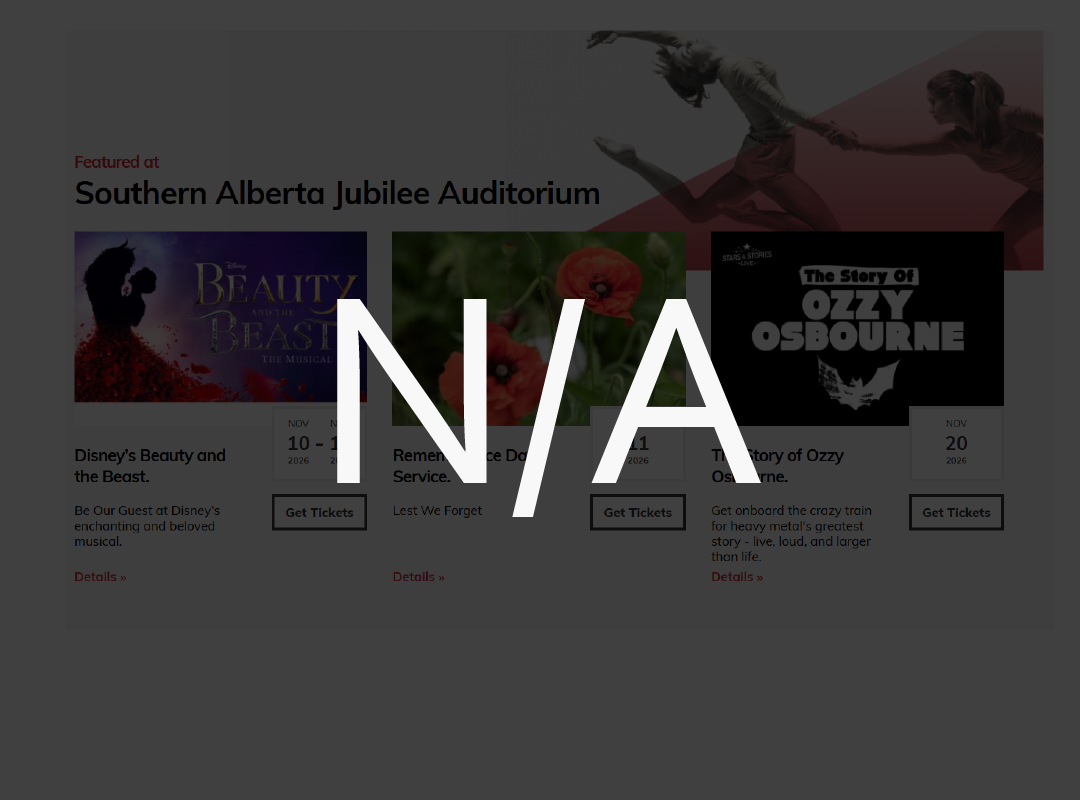
Success Criterion 2.3.1, 2.3.2, and 2.3.3 cover considerations for motion and flashing content, which may produce adverse consequences on people with light, colour, and motion sensitivities.
Determination : Not Applicable
Success Criterion 2.3.1 to 2.3.3 are not applicable, as there of instances of such content on this webpage.
WCAG 2.2
Level A
Success Criterion 2.4.1 Bypass Blocks
A mechanism is available to bypass blocks of content that are repeated on multiple web pages.
Determination : Success
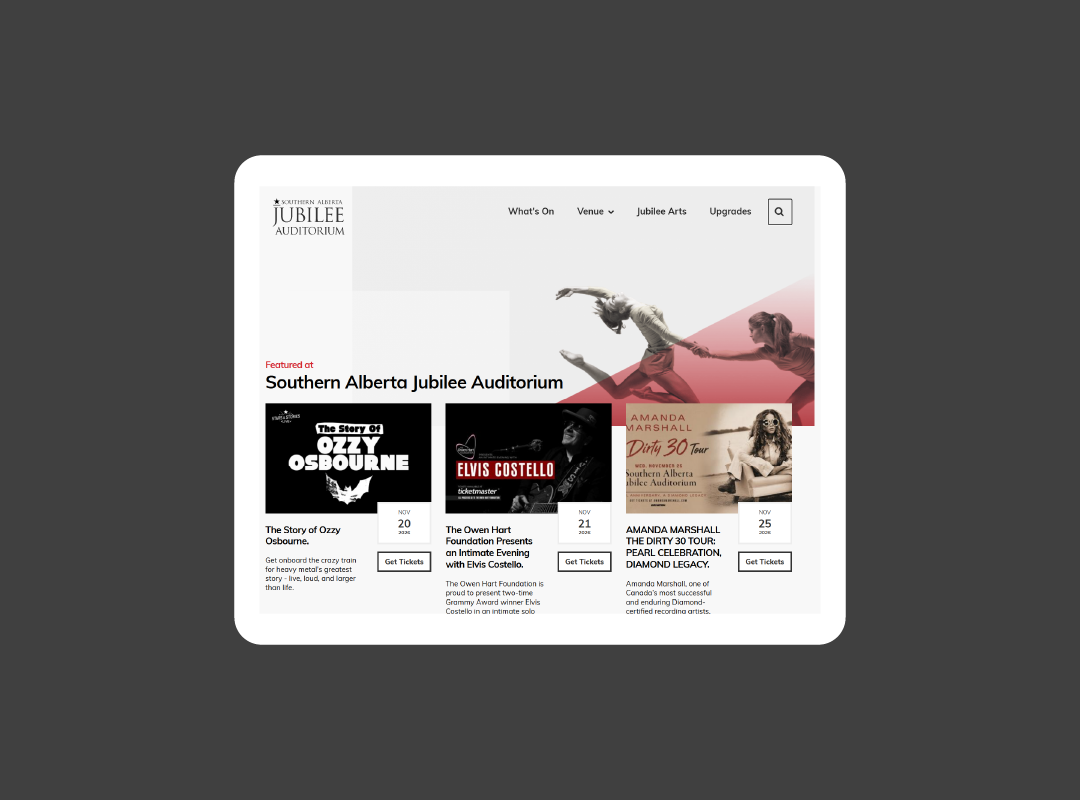
The webpage incorporates multiple methods to bypass content, including a ‘featured’ section of upcoming shows and a comprehensive header/footer, allowing fluid user navigation.
WCAG 2.2
Level A
Success Criterion 2.4.2 Page Titled
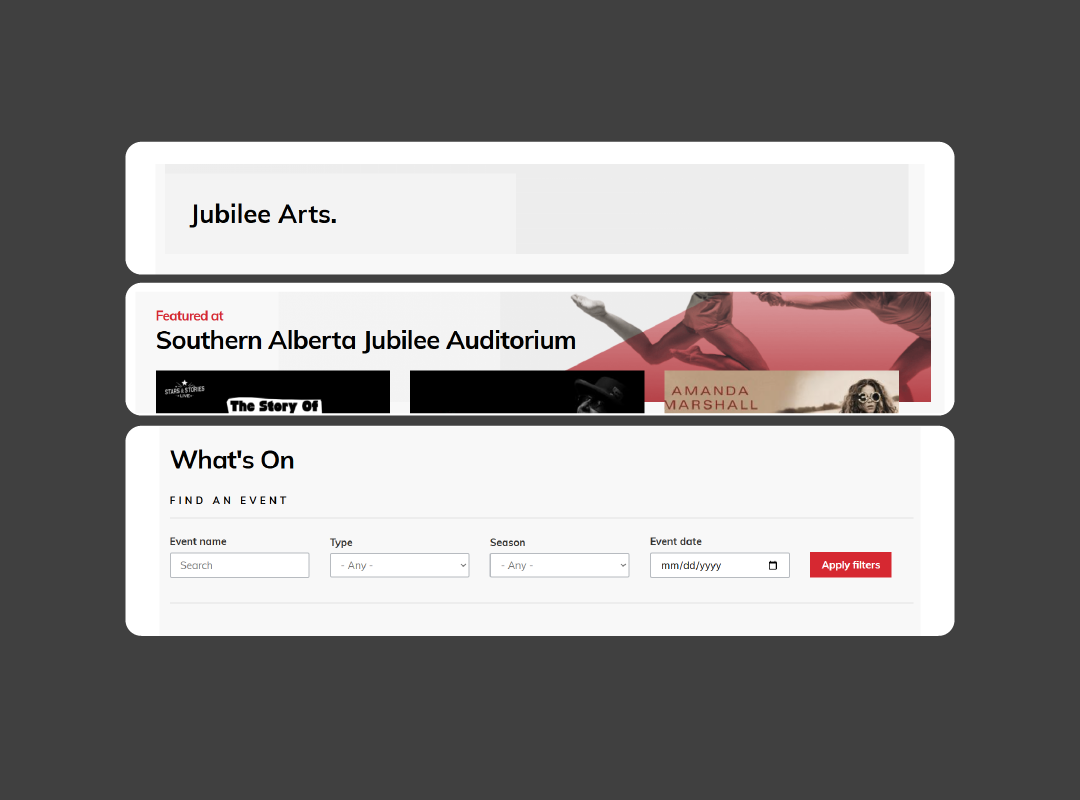
Web pages have titles that describe topic or purpose.
Determination : Success
In all relevant instances, webpages include appropriate titles describing the sections intended topic or purpose.
WCAG 2.2
Level A
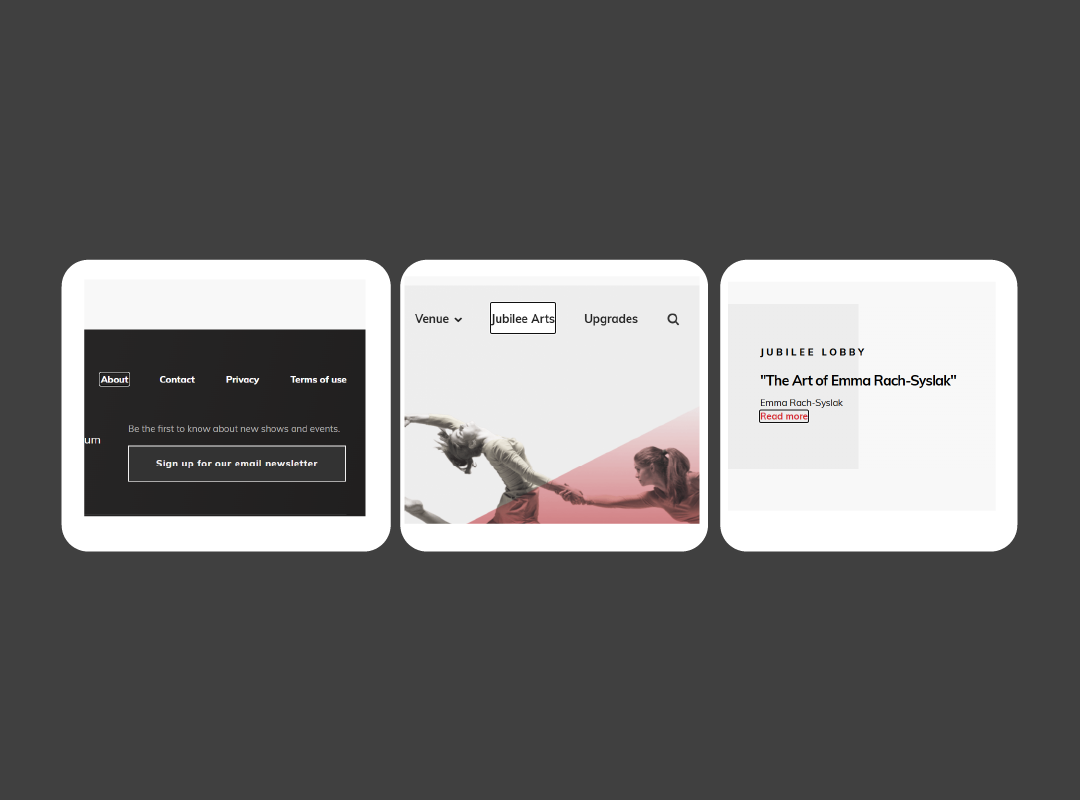
Success Criterion 2.4.3 Focus Order
If a web page can be navigated sequentially and the navigation sequences affect meaning or operation, focusable components receive focus in an order that preserves meaning and operability.
Determination : *Partial Success
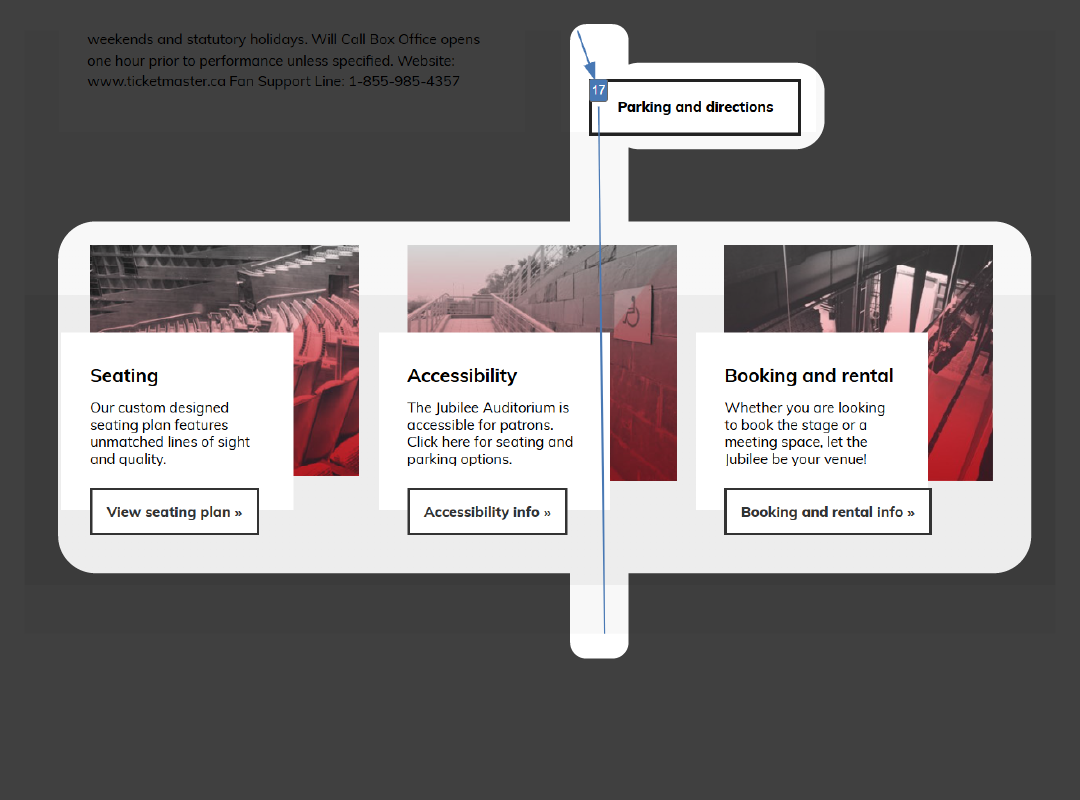
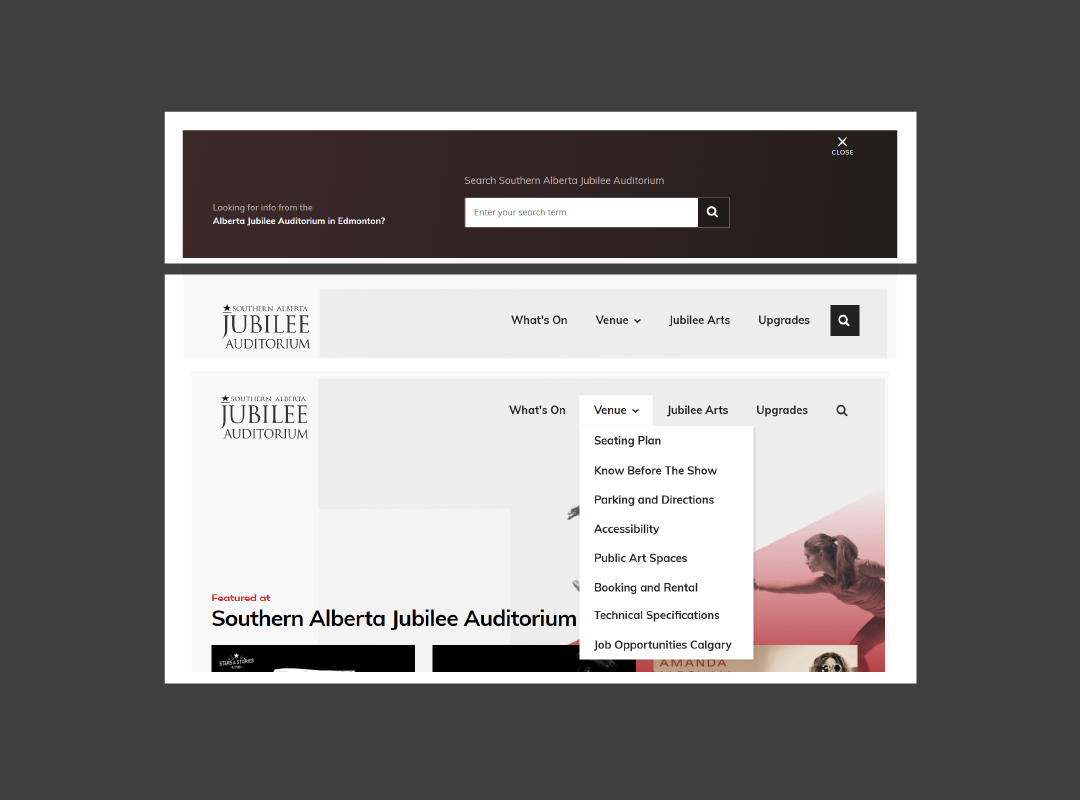
In all instances, the web page is navigated in a proper sequence. However, there is an instance in which the example (seen right) does not have appropriate tagging, resulting in it being selected, but it lacks visible identification (also see Success Criterion 2.4.7 Focus Visible).
WCAG 2.2
Level A
Success Criterion 2.4.4 Link Purpose (In Context)
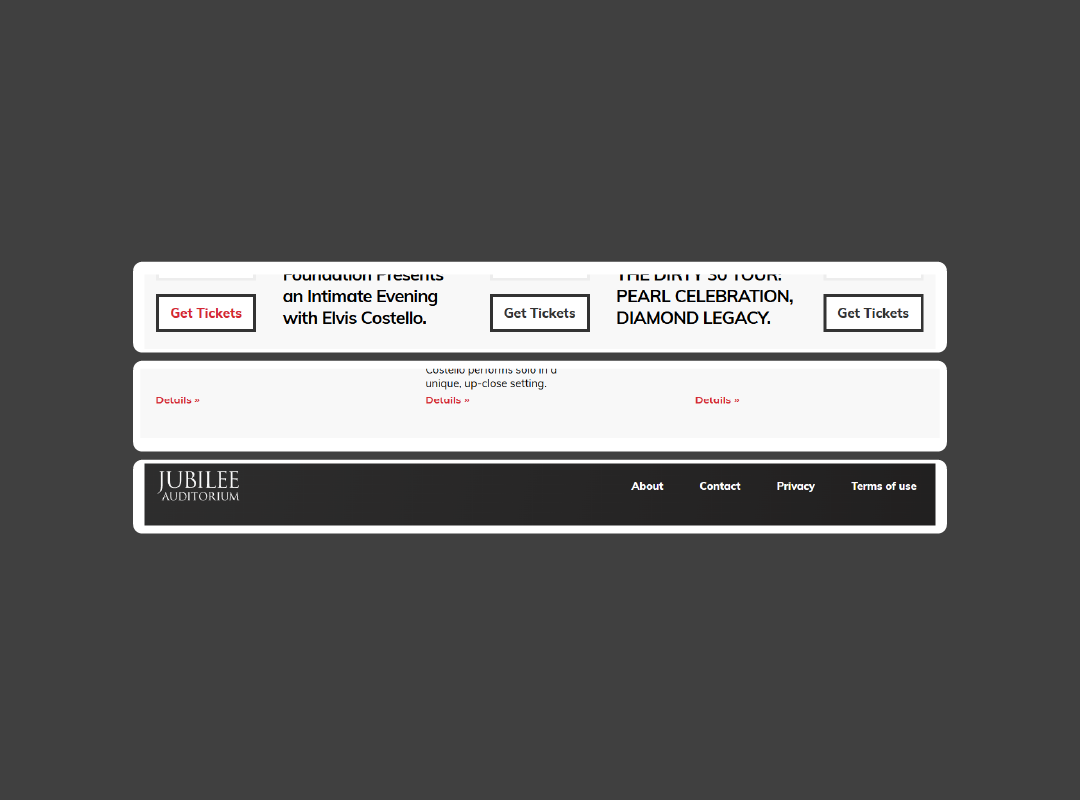
The purpose of each link can be determined from the link text alone or from the link text together with its programmatically determined link context, except where the purpose of the link would be ambiguous to users in general.
Determination : Success
In all relevant instances, link purposes are communicated.
WCAG 2.2
Level AA
Success Criterion 2.4.5 Multiple Ways
More than one way is available to locate a web page within a set of web pages except where the web page is the result of, or a step in, a process.
Determination : Success
In several instances, there are multiple ways to navigate between webpages, including a comprehensive header/footer and a search bar.
WCAG 2.2
Level AA
Success Criterion 2.4.6 Headings and Labels
Headings and labels describe topic or purpose.
Determination : Success
In all relevant instances, content is accompanied by appropriate headings and labels.
WCAG 2.2
Level AA
Success Criterion 2.4.7 Focus Visible
Any keyboard operable user interface has a mode of operation where the keyboard focus indicator is visible.
Determination : Failure
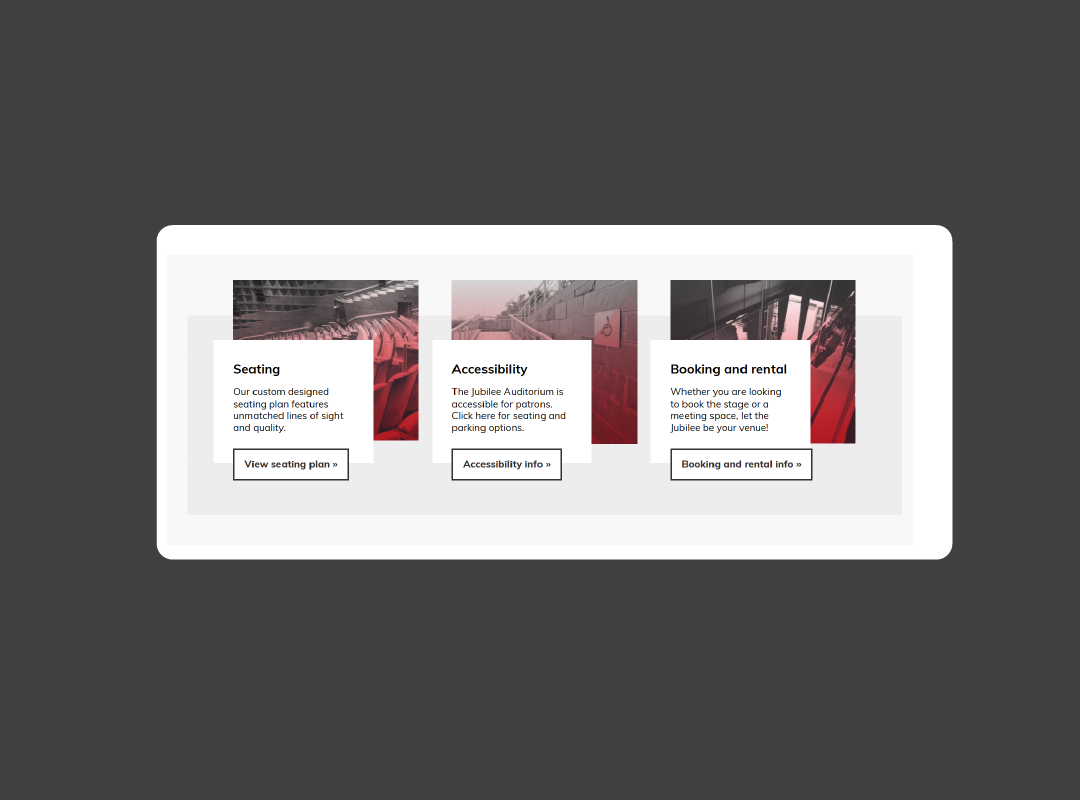
Almost all keyboard operable instances have a focus indicator, except for the example (shown right), which while selectable, lacks visibility.
WCAG 2.2
Level AAA
Success Criterion 2.4.8 Location
Information about the user's location within a set of web pages is available.
Determination : Success
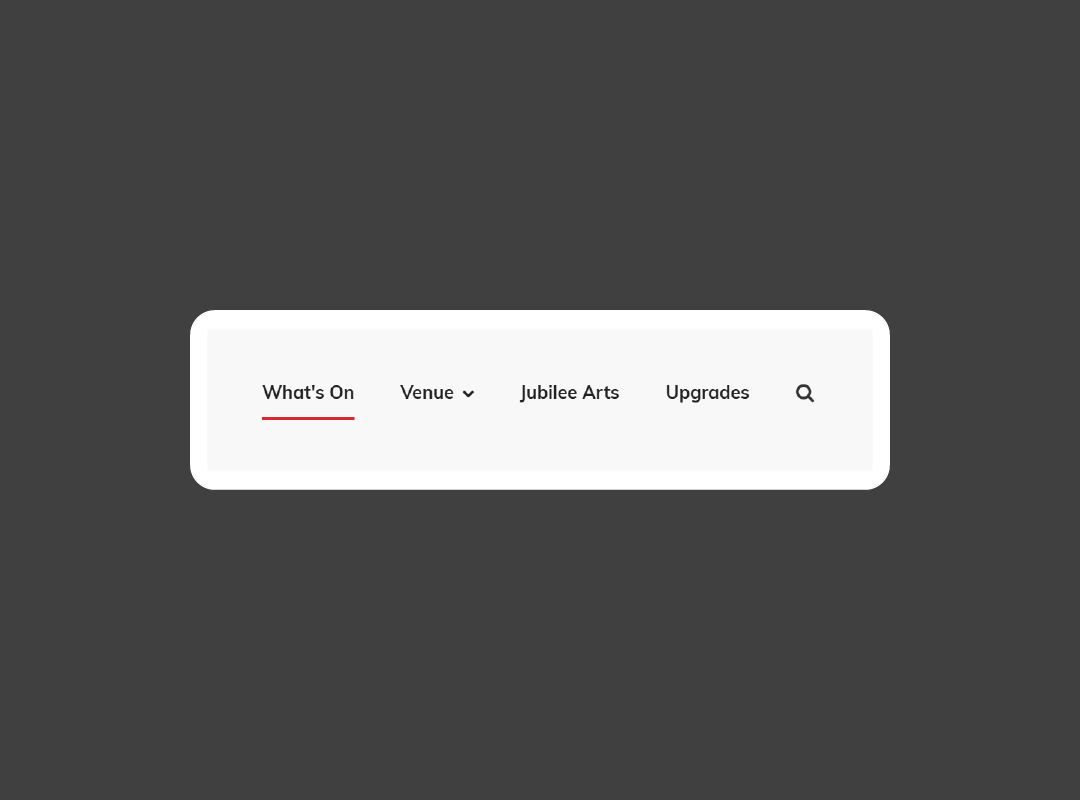
The webpage uses a red underline on the header to display where the users current location is.
WCAG 2.2
Level AAA
Success Criterion 2.4.9 Link Purpose (Link Only)
A mechanism is available to allow the purpose of each link to be identified from link text alone, except where the purpose of the link would be ambiguous to users in general.
Determination : Failure
There is a single instance of a link’s purpose not being communicated, which is the ‘search’ function, which has an icon, but no text.

WCAG 2.2
Level AAA
Success Criterion 2.4.10 Section Headings
Section headings are used to organize the content.
Determination : Success
In all instances, section headings appropriately organize content.
WCAG 2.2
Level AA
Success Criterion 2.4.11 Focus Not Obscured (Minimum)
When a user interface component receives keyboard focus, the component is not entirely hidden due to author-created content.
Determination : Success
In all instances, focus is not obscured by author-created content.
WCAG 2.2
Level AAA
Success Criterion 2.4.12 Focus Not Obscured (Enhanced)
When a user interface component receives keyboard focus, the component is not entirely hidden due to author-created content.
Determination : Success
In all instances, focus is not obscured by author-created content.
WCAG 2.2
Level AAA
Success Criterion 2.4.13 Focus Appearance
When the keyboard focus indicator is visible, an area of the focus indicator meets all the following:
is at least as large as the area of a 2 CSS pixel thick perimeter of the unfocused component or sub-component, and
has a contrast ratio of at least 3:1 between the same pixels in the focused and unfocused states.
Determination : Failure
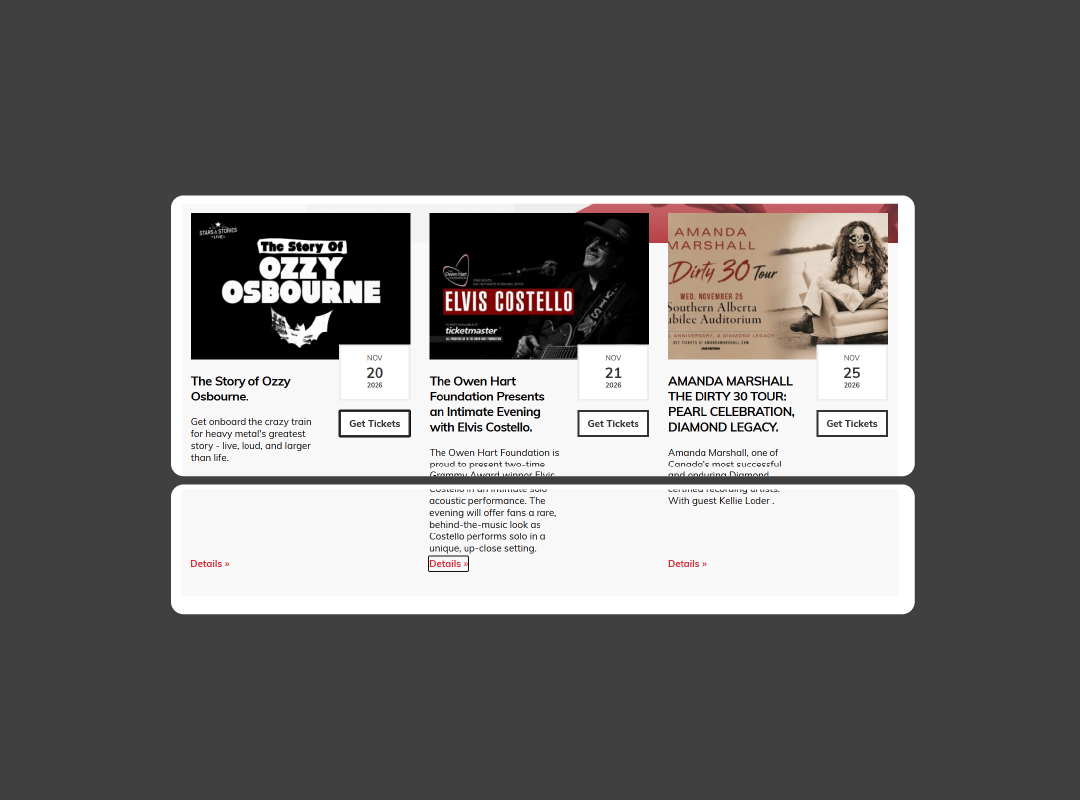
In some instances, the perimter of the focus indicator does not meet the required perimeter size. Furthermore, there is also instances of lacking contrast.
WCAG 2.2
Level A
Success Criterion 2.5.1 Pointer Gestures
All functionality that uses multipoint or path-based gestures for operation can be operated with a single pointer without a path-based gesture, unless a multipoint or path-based gesture is essential.
Determination : Not Applicable
There are no instances of functions that needs multipoint or path-based gestures.
WCAG 2.2
Level A
Success Criterion 2.5.2 Pointer Cancellation
For functionality that can be operated using a single pointer, at least one of the following is true: No Down-Event, Abort or Undo, Up Reversal, or Essential.
Determination : Success
In all relevant instances, pointers behaves appropriate to requirements.
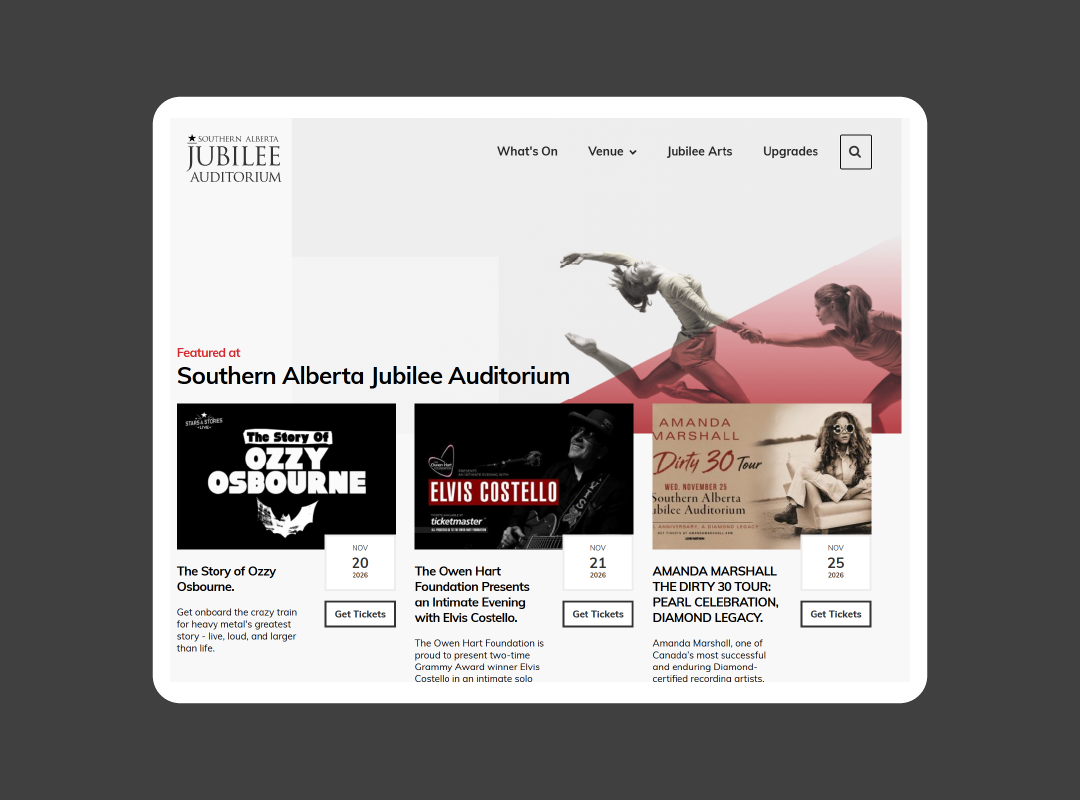
WCAG 2.2
Level A
Success Criterion 2.5.3 Pointer Cancellation
For user interface components with labels that include text or images of text, the name contains the text that is presented visually.
Determination : Success
In all relevant instances, text is presented visually.
WCAG 2.2
Level A
Success Criterion 2.5.4 Motion Actuation
Functionality that can be operated by device motion or user motion can also be operated by user interface components and responding to the motion can be disabled to prevent accidental actuation, except when:
Supported Interface: the motion is used to operate functionality through an accessibility supported interface;
Essential: the motion is essential for the function and doing so would invalidate the activity.
Determination : Not Applicable
There are no instances of motion actuation.
WCAG 2.2
Level AAA
Success Criterion 2.5.5 Target Sized (Enhanced)
The size of the target for pointer inputs is at least 44 by 44 CSS pixels except when:
Equivalent: The target is available through an equivalent link or control on the same page that is at least 44 by 44 CSS pixels
Inline: The target is in a sentence or block of text
User Agent Control: The size of the target is determined by the user agent and is not modified by the author;
Essential: A particular presentation of the target is essential to the information being conveyed.
Determination : Success
In all relevant instances, target size meets the specified requirements.
WCAG 2.2
Level AAA
Success Criterion 2.5.6 Concurrent Input Mechanisms
Web content does not restrict use of input modalities available on a platform except where the restriction is essential, required to ensure the security of the content, or required to respect user settings.
Determination : Success
In all relevant instances, concurrent input mechanisms are not restricted.
WCAG 2.2
Level AA
Success Criterion 2.5.7 Dragging Movements
All functionality that uses a dragging movement for operation can be achieved by a single pointer without dragging, unless dragging is essential or the functionality is determined by the user agent and not modified by the author.
Determination : Not Applicable
There are no instances of dragging movements.
WCAG 2.2
Level AA
Success Criterion 2.5.8 Target Size (Minimum)
The size of the target for pointer inputs is at least 24 by 24 CSS pixels, except when:
Spacing: Undersized targets (those less than 24 by 24 CSS pixels) are positioned so that if a 24 CSS pixel diameter circle is centered on the bounding box of each, the circles do not intersect another target or the circle for another undersized target;
Equivalent: The function can be achieved through a different control on the same page that meets this criterion;
Inline: The target is in a sentence or its size is otherwise constrained by the line-height of non-target text;
User Agent Control: The size of the target is determined by the user agent and is not modified by the author;
Essential: A particular presentation of the target is essential or is legally required for the information being conveyed.
Determination : Success
In all relevant instances, target sizes adhere to specified requirements.
WCAG 2.2 Website Audit
Comprehensive WCAG 2.2 report of the Calgary Jubilee landing page.