WCAG 2.2 Website Audit
Comprehensive WCAG 2.2 report of the Calgary Jubilee landing page.
WCAG 2.2
Level A
Success Criterion 1.1.1 Non Text Content
All non-text content that is presented to the user has a text alternative that serves the equivalent purpose.
Determination : Success
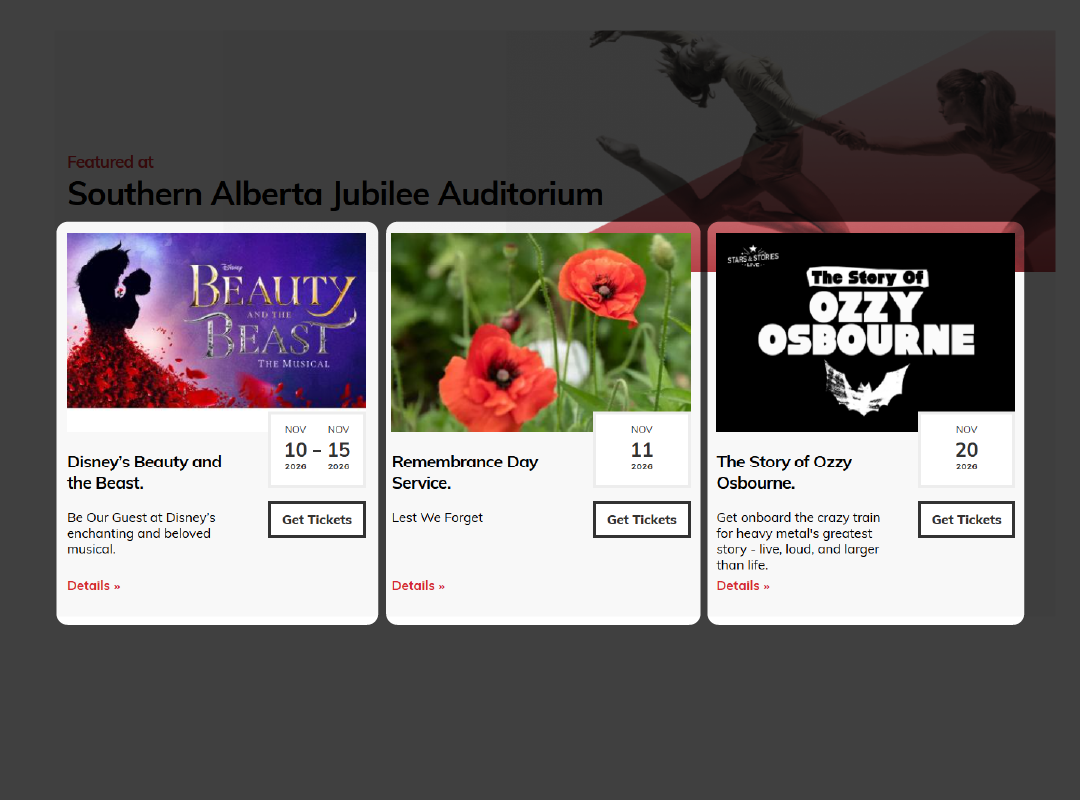
In all relevant instances, non-text content is accompanied by a text alternative denoting the non-text content’s purpose.
WCAG 2.2
Level A-AAA
Success Criterion 1.2 Time-based Media
Success Criterion 1.2.1, 1.2.2, 1.2.3, 1.2.4, 1.2.5, 1.2.6, 1.2.7, 1.2.8, and 1.2.9 cover providing alternatives for time-based media—including captions, audio descriptions, sign language, and more.
Determination : Not Applicable
Success Criterion 1.2.1 to 1.2.9 are not applicable, as there of instances of such content on this webpage.
WCAG 2.2
Level A
Success Criterion 1.3.1 Info and Relationships
Information, structure, and relationships conveyed through presentation can be programmatically determined or are available in text.
Determination : Failure
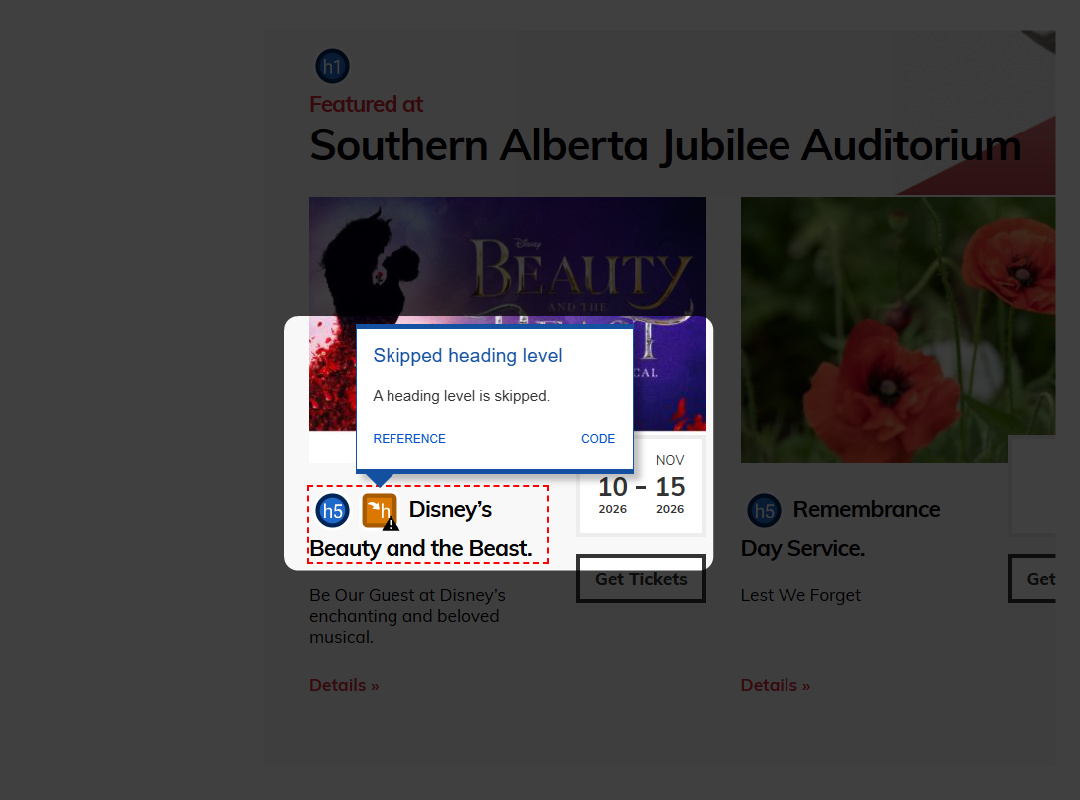
There are multiple instances of improper structural formatting (such skipped heading levels). While there is still functionality in this state, this is not best practice, and should be adjusted to a proper sequential heading ordering.
WCAG 2.2
Level A
Success Criterion 1.3.2 Meaningful Sequence
When the sequence in which content is presented affects its meaning, a correct reading sequence can be programmatically determined.
Determination : Failure
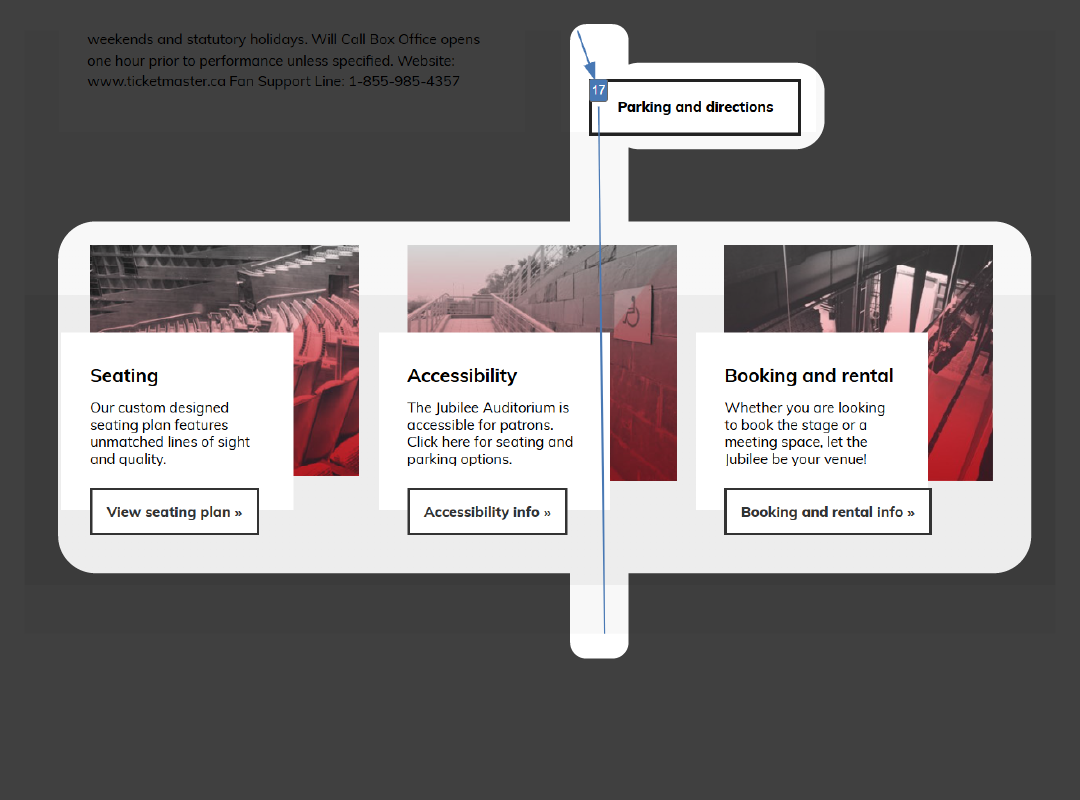
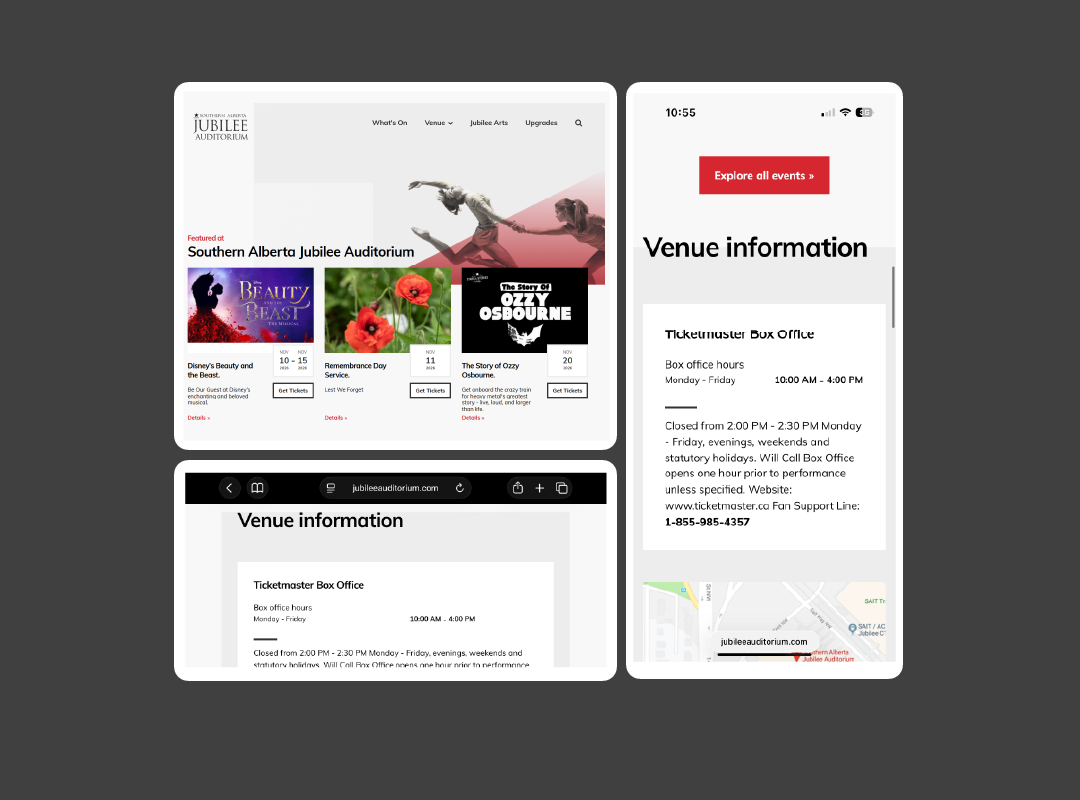
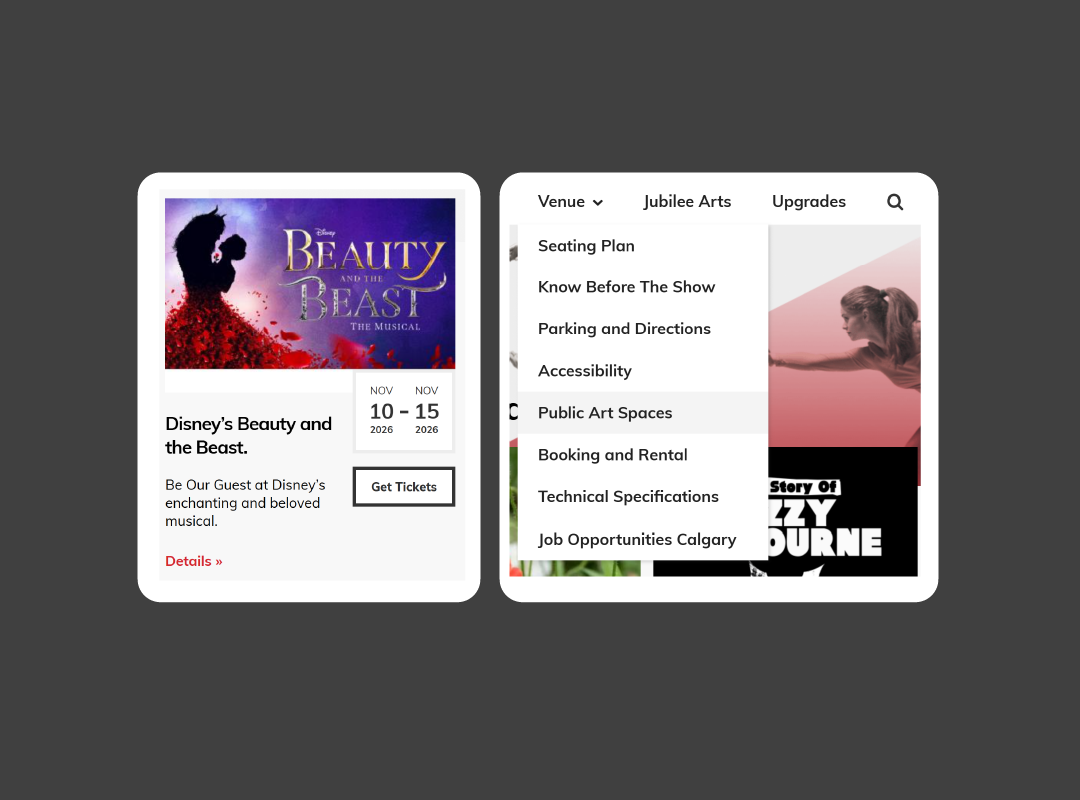
There are instances of broken formatting with the webpage’s ordering (see the right image). This results in content being skipped (or clunkily presented) when using programmatically determined resources.
WCAG 2.2
Level A
Success Criterion 1.3.3 Sensory Characteristics
Instructions provided for understanding and operating content do not rely solely on sensory characteristics of components such as shape, color, size, visual location, orientation, or sound.
Determination : Failure
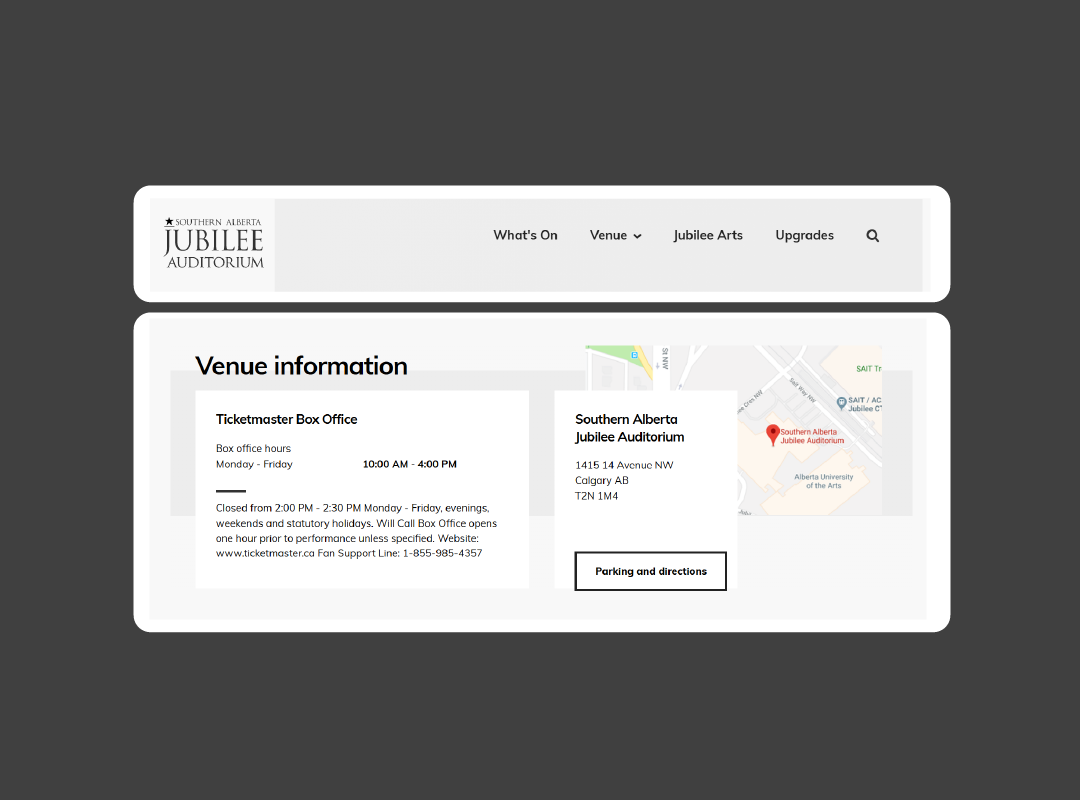
There is an instance in which the ‘search’ icon relies solely on its icon shape to convey its purpose. I would recommend implementing the word ‘search’ permanently next to the icon or have it appear upon the cursor hovering over the icon as a solution.

WCAG 2.2
Level AA
Success Criterion 1.3.4 Orientation
Content does not restrict its view and operation to a single display orientation, such as portrait or landscape, unless a specific display orientation is essential.
Determination : Success
There are no instances in which orientation is restricted or conflicts with presentation.
WCAG 2.2
Level AA
Success Criterion 1.3.5 Identity Input Purpose
The purpose of each input field collecting information about the user can be programmatically determined when:
The input field serves a purpose identified in the Input Purposes for user interface components section; and the content is implemented using technologies with support for identifying the expected meaning for form input data.
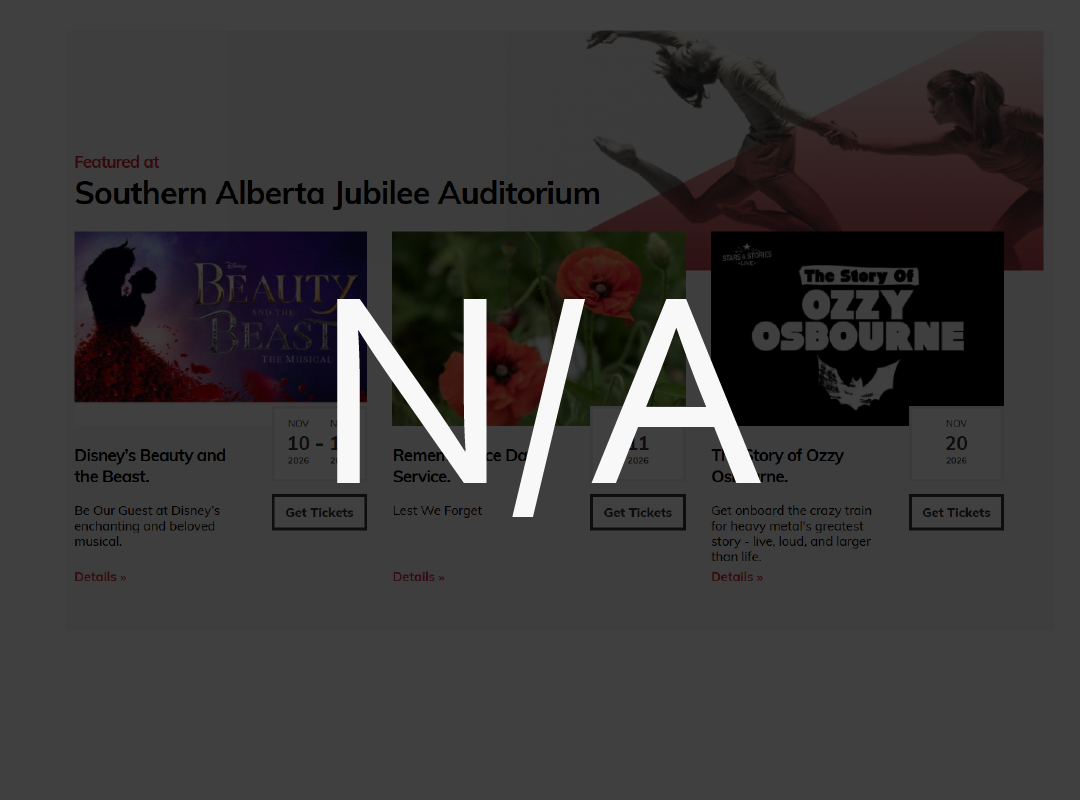
Determination : Not Applicable
Success criterion does not apply, as there are no input fields collecting information about the user on this webpage.
WCAG 2.2
Level AAA
Success Criterion 1.3.6 Identify Purpose
In content implemented using markup languages, the purpose of user interface components, icons, and regions can be programmatically determined.
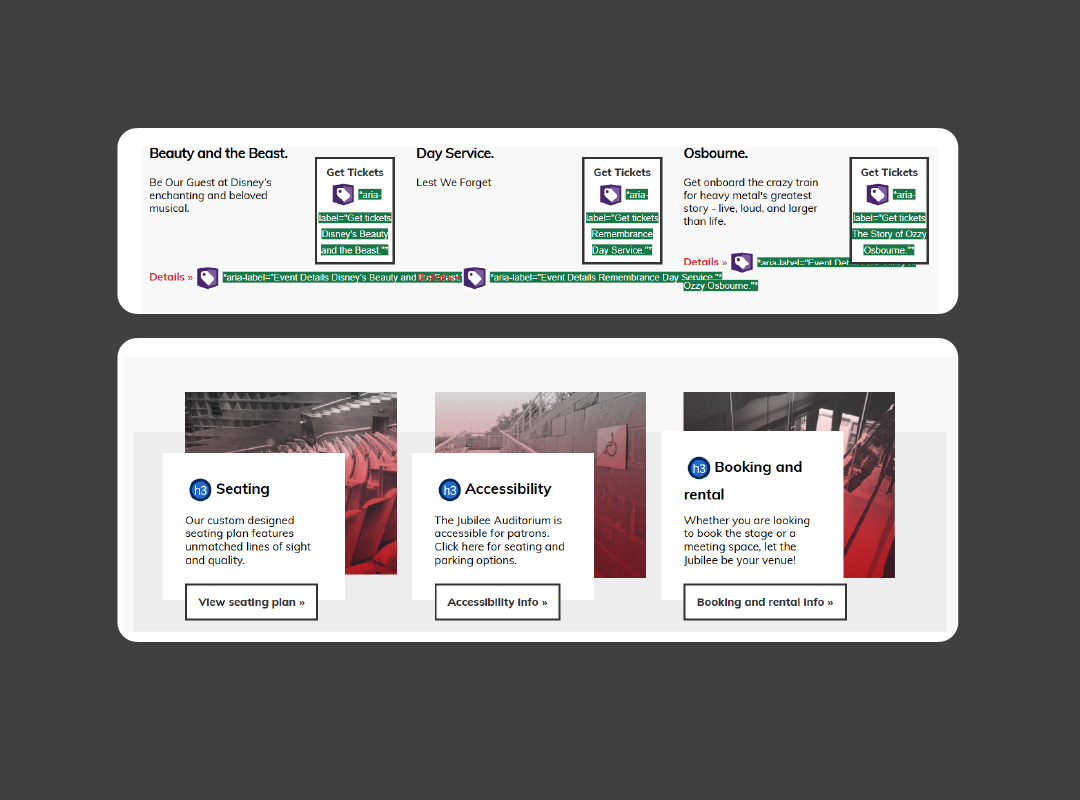
Determination : Failure
Although most of the website has appropriately implemented programmatically determined content, there are instances of missing aria labels that require attention.
WCAG 2.2
Level A
Success Criterion 1.4.1 Use of Colour
Color is not used as the only visual means of conveying information, indicating an action, prompting a response, or distinguishing a visual element.
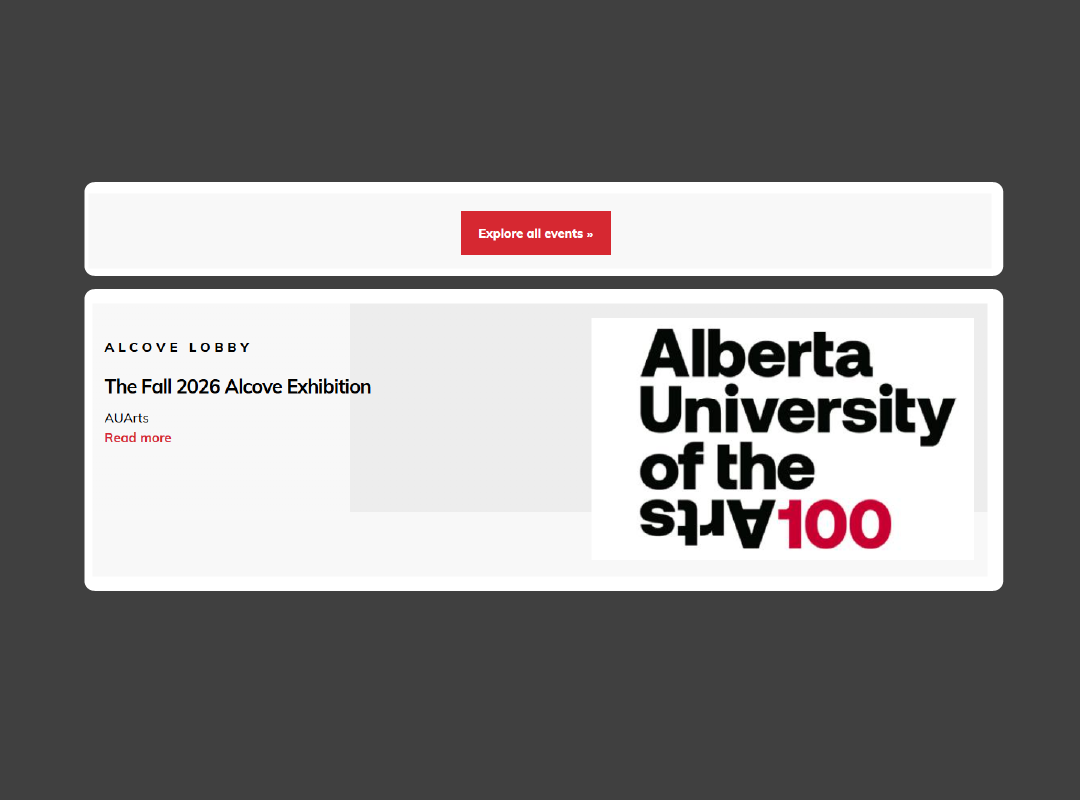
Determination : Success
In all instances, colour is not used as the only visual means of conveying information.
WCAG 2.2
Level A
Success Criterion 1.4.2 Audio Control
If any audio on a web page plays automatically for more than 3 seconds, either a mechanism is available to pause or stop the audio, or a mechanism is available to control audio volume independently from the overall system volume level.
Determination : Not Applicable
Success criterion is not applicable, as webpage does not contain audio.
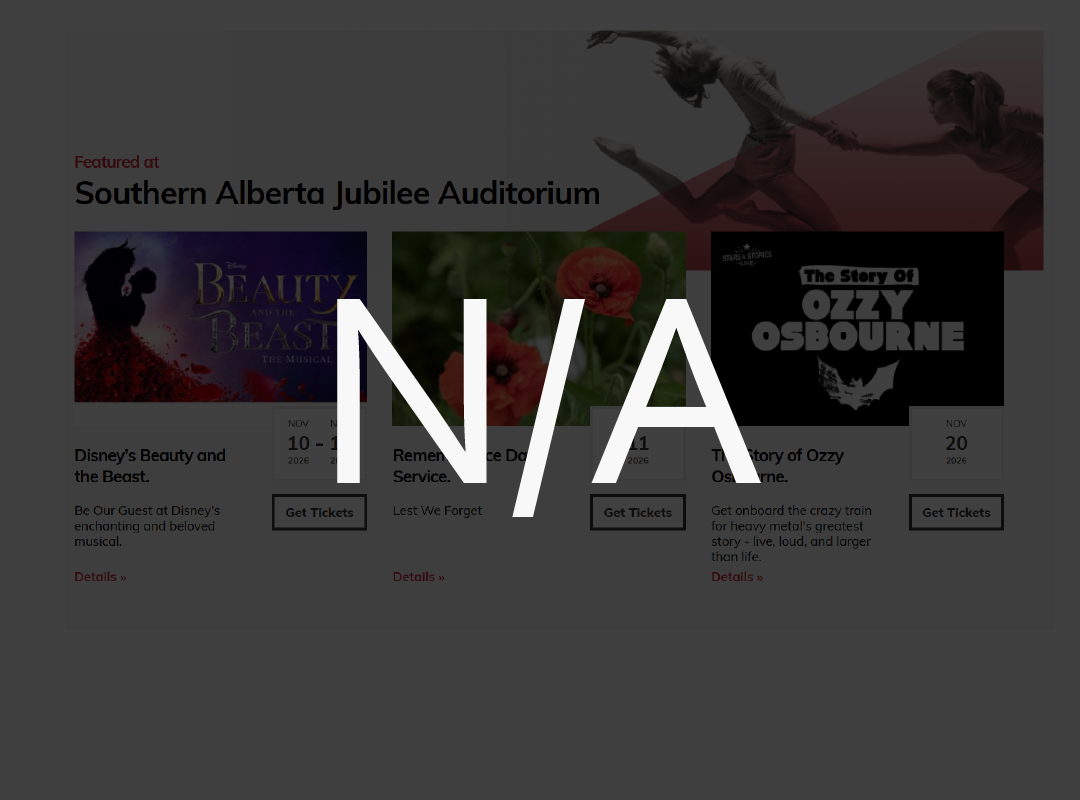
WCAG 2.2
Level AA
Success Criterion 1.4.3 Contrast (Minimum)
The visual presentation of text and images of text has a contrast ratio of at least 4.5:1, except for the following:
Large text: Large-scale text and images of large-scale text have a contrast ratio of at least 3:1;
Incidental: Text or images of text that are part of an inactive user interface component, that are pure decoration, that are not visible to anyone, or that are part of a picture that contains significant other visual content, have no contrast requirement.
Logotypes: Text that is part of a logo or brand name has no contrast requirement.
Determination : Failure
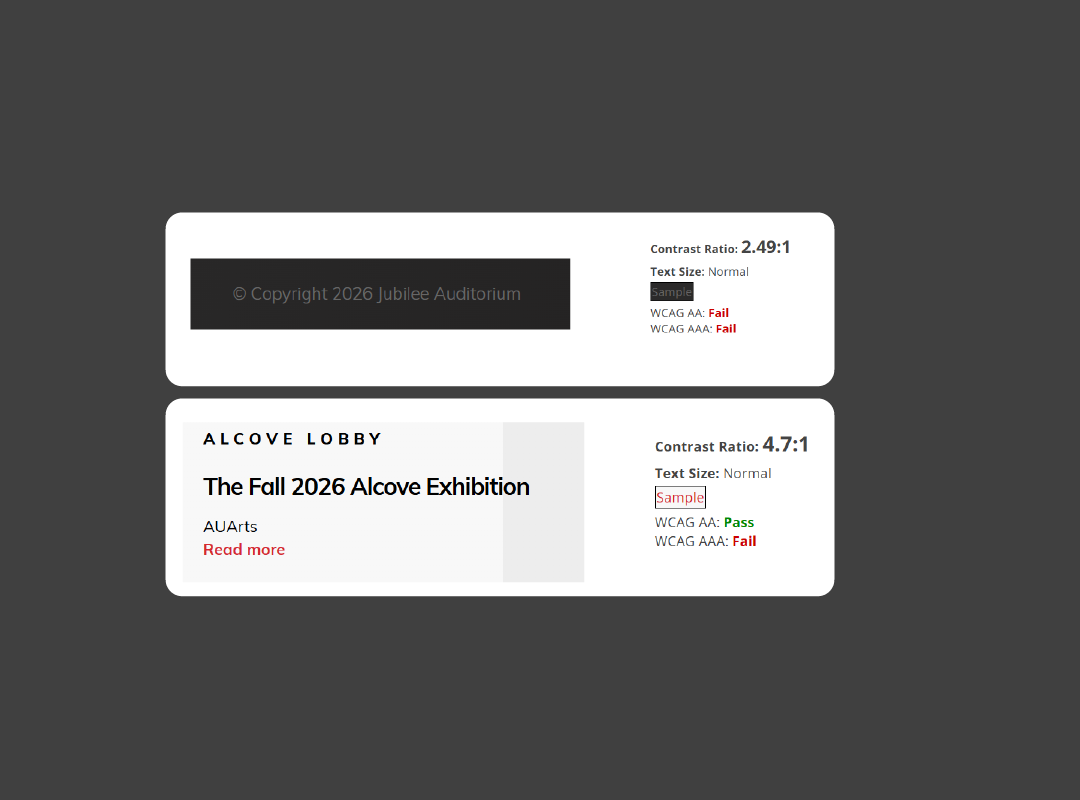
There is a single instance of text not meeting the contrast requirements (shown in image on the right). Increase contrast to meet criteria.
WCAG 2.2
Level AA
Success Criterion 1.4.4 Resize Text
Except for captions and images of text, text can be resized without assistive technology up to 200 percent without loss of content or functionality.
Determination : Success
In all instances, text can be resized without loss of content or functionality.
WCAG 2.2
Level AA
Success Criterion 1.4.5 Images of Text
If the technologies being used can achieve the visual presentation, text is used to convey information rather than images of text except for the following:
Customizable: the image of text can be visually customized to the user's requirements;
Essential: a particular presentation of text is essential to the information being conveyed.
Determination : Success
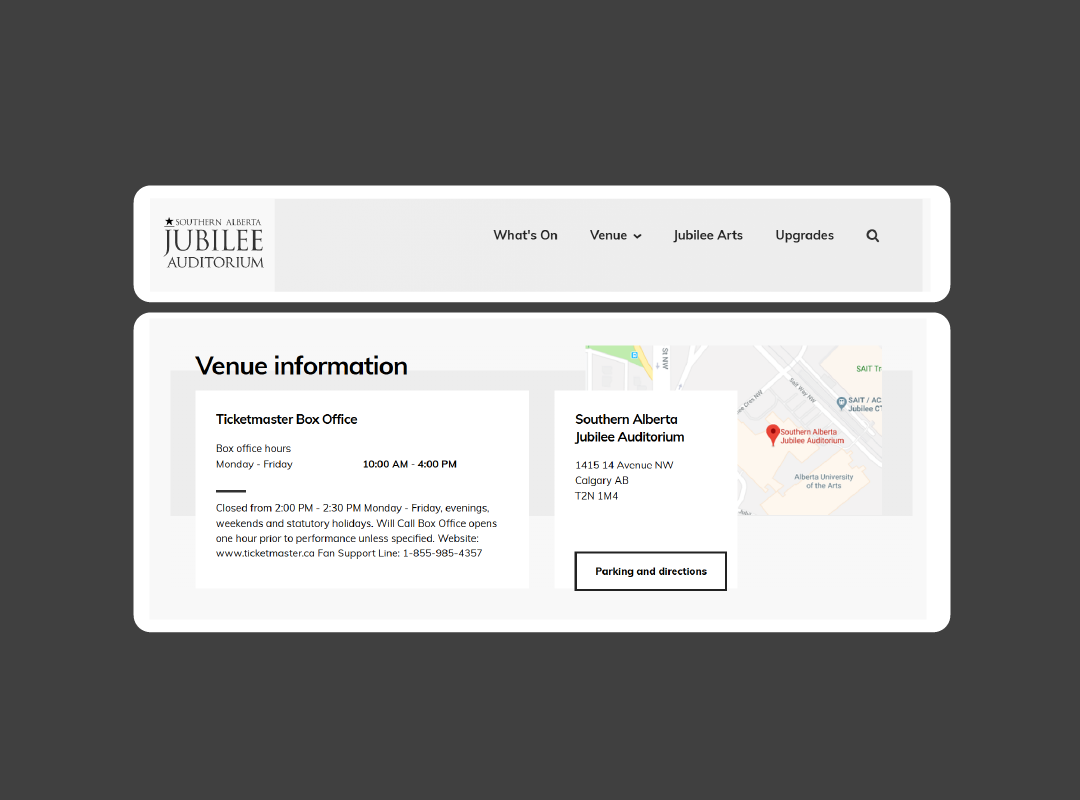
There are no instances of images of text in which information is improperly presented, except for the logo (however, it is exempted, as it is a logotype, and is considered essential).
WCAG 2.2
Level AAA
Success Criterion 1.4.6 Contrast (Enhanced)
The visual presentation of text and images of text has a contrast ratio of at least 7:1, except for the following:
Large Text: Large-scale text and images of large-scale text have a contrast ratio of at least 4.5:1;
Incidental: Text or images of text that are part of an inactive user interface component, that are pure decoration, that are not visible to anyone, or that are part of a picture that contains significant other visual content, have no contrast requirement.
Logotypes: Text that is part of a logo or brand name has no contrast requirement.
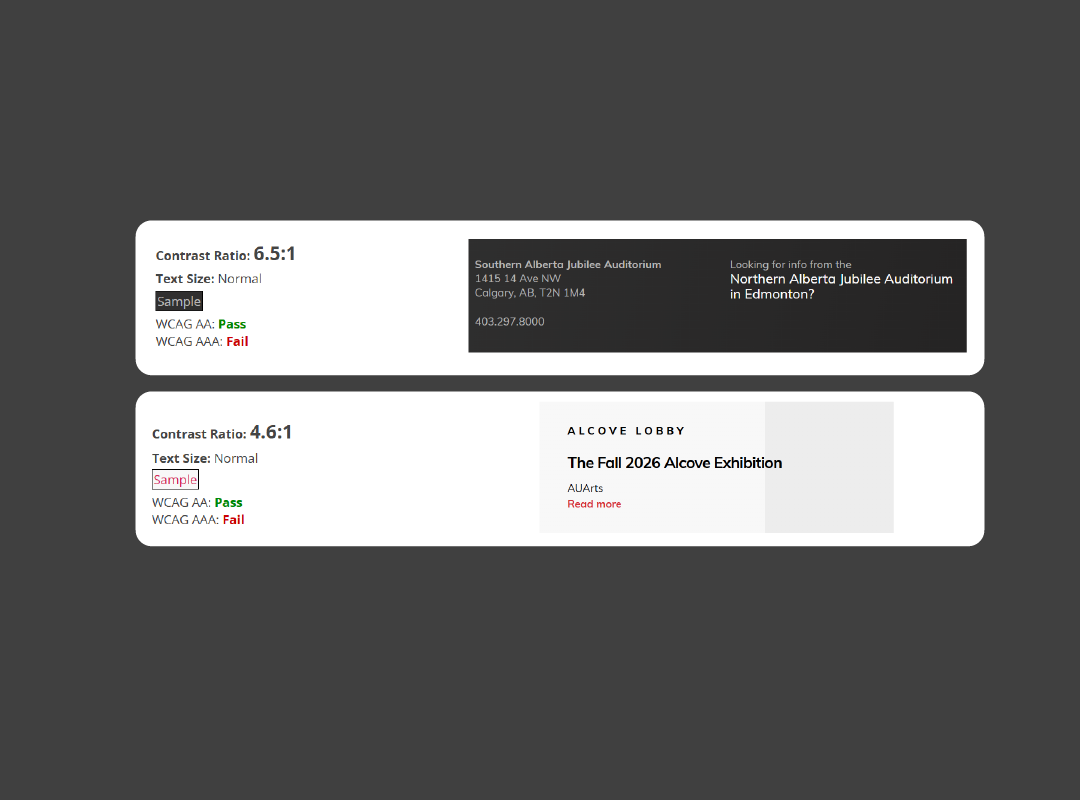
Determination : Failure
There are multiple instances of contrast not meeting the required ratio.
WCAG 2.2
Level AAA
Success Criterion 1.4.7 Low or No Background Audio
For prerecorded audio-only content that (1) contains primarily speech in the foreground, (2) is not an audio CAPTCHA or audio logo, and (3) is not vocalization intended to be primarily musical expression such as singing or rapping, at least one of the following is true: no background audio, background audio can be turned off, or 20 dB lower than foreground audio.
Determination : Not Applicable
Success criterion is not applicable because there is no background audio.
WCAG 2.2
Level AAA
Success Criterion 1.4.8 Visual Presentation
For the visual presentation of blocks of text, a mechanism is available to achieve the following:
Foreground and background colors can be selected by the user.
Width is no more than 80 characters or glyphs (40 if CJK).
Text is not justified (aligned to both the left and the right margins).
Line spacing (leading) is at least space-and-a-half within paragraphs, and paragraph spacing is at least 1.5 times larger than the line spacing.
Text can be resized without assistive technology up to 200 percent in a way that does not require the user to scroll horizontally to read a line of text on a full-screen window.
Determination : Failure
While it succeeds in certain areas (such as text resizing, line spacing, and width of characters) foreground and background colours cannot be selected by the user.
WCAG 2.2
Level AAA
Success Criterion 1.4.9 Images of Text (No Exception)
Images of text are only used for pure decoration or where a particular presentation of text is essential to the information being conveyed.
Determination : Success
In all instances, images of text are for decoration or essential.
WCAG 2.2
Level AA
Success Criterion 1.4.10 Reflow
Content can be presented without loss of information or functionality, and without requiring scrolling in two dimensions for:
Vertical scrolling content at a width equivalent to 320 CSS pixels;
Horizontal scrolling content at a height equivalent to 256 CSS pixels.
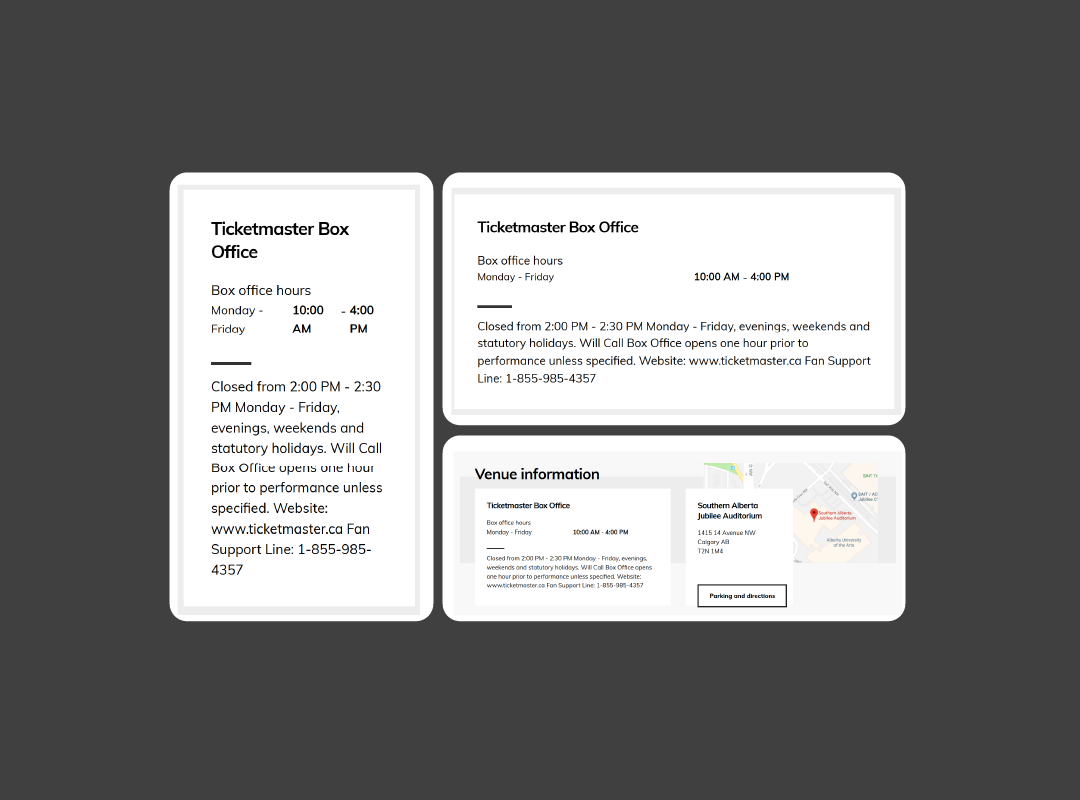
Determination : Success
In all instances, content can be presented without loss of information of functionality.
WCAG 2.2
Level AA
Success Criterion 1.4.11 Non-Text Contrast
The visual presentation of the following have a contrast ratio of at least 3:1 against adjacent color(s): UI components and graphical objects.
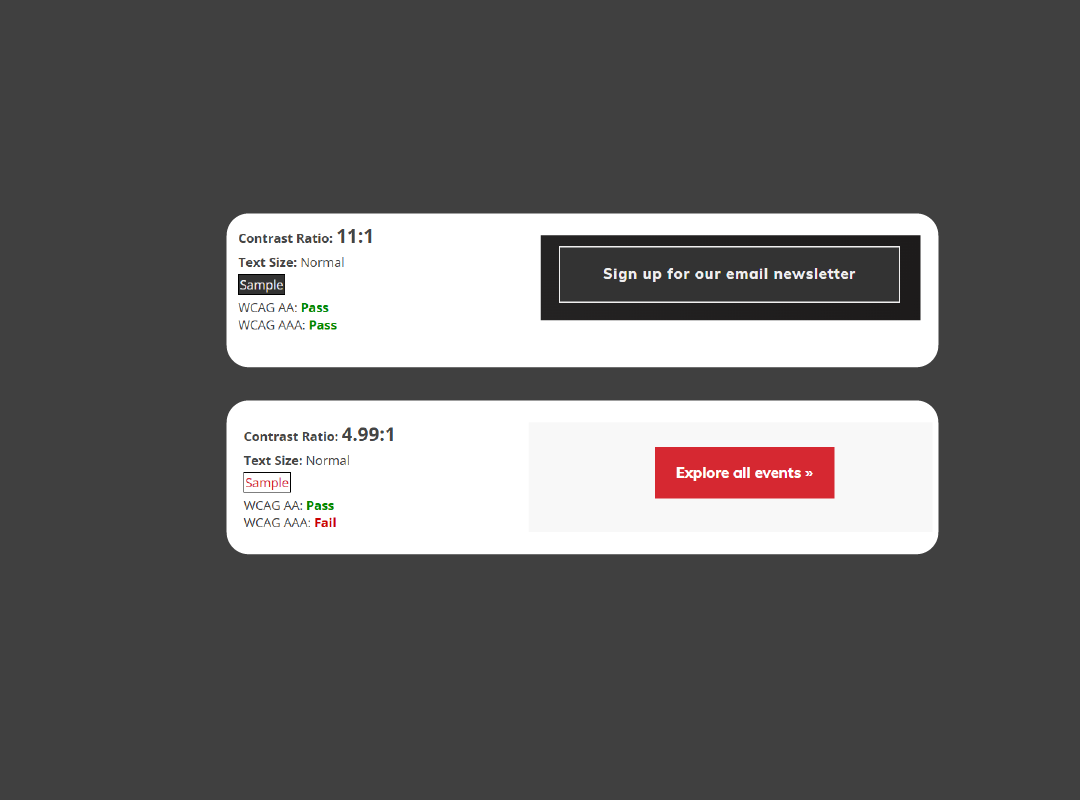
Determination : Success
In all instances, necessary contrast is maintained.
WCAG 2.2
Level AA
Success Criterion 1.4.12 Text Spacing
In content implemented using markup languages that support the following text style properties, no loss of content or functionality occurs by setting all of the following and by changing no other style property:
Line height (line spacing) to at least 1.5 times the font size;
Spacing following paragraphs to at least 2 times the font size;
Letter spacing (tracking) to at least 0.12 times the font size;
Word spacing to at least 0.16 times the font size.
Determination : Success
In all instances, text spacing can be adjusted without loss of content or functionality.
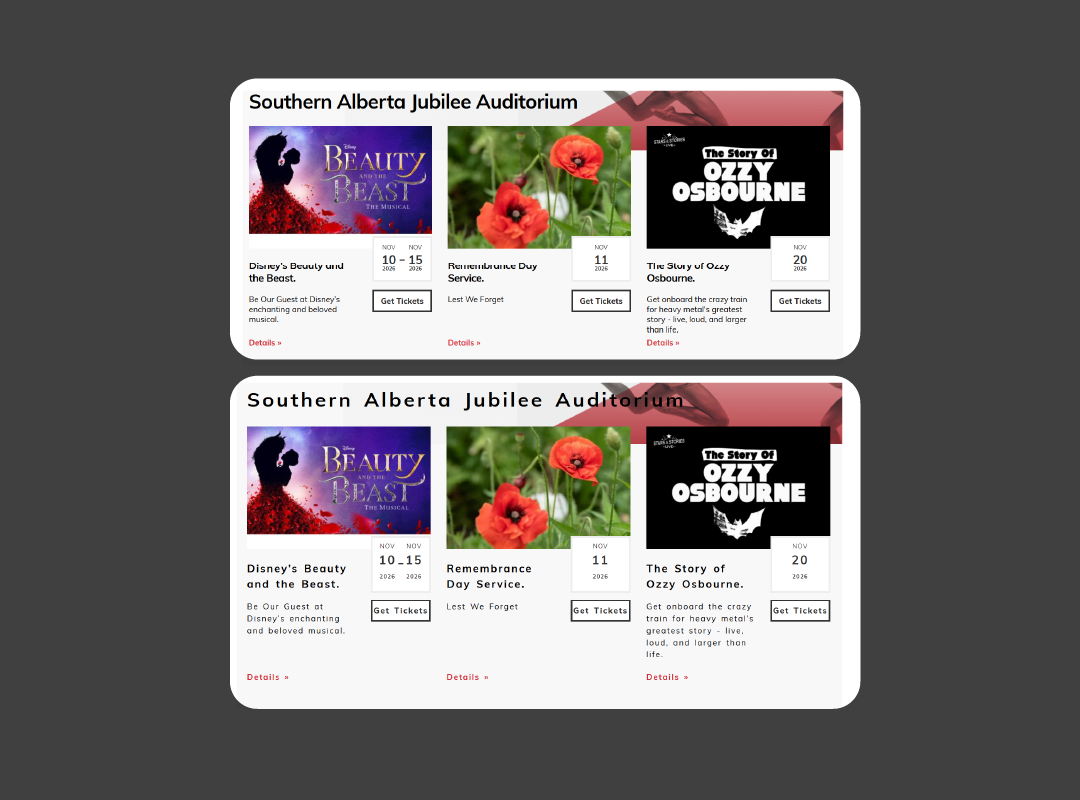
WCAG 2.2
Level AA
Success Criterion 1.4.13 Content on Hover or Focus
Where receiving and then removing pointer hover or keyboard focus triggers additional content to become visible and then hidden, the following are true:
Dismissible: A mechanism is available to dismiss the additional content without moving pointer hover or keyboard focus, unless the additional content communicates an input error or does not obscure or replace other content;
Hoverable: If pointer hover can trigger the additional content, then the pointer can be moved over the additional content without the additional content disappearing;
Persistent: The additional content remains visible until the hover or focus trigger is removed, the user dismisses it, or its information is no longer valid.
Exception: The visual presentation of the additional content is controlled by the user agent and is not modified by the author.
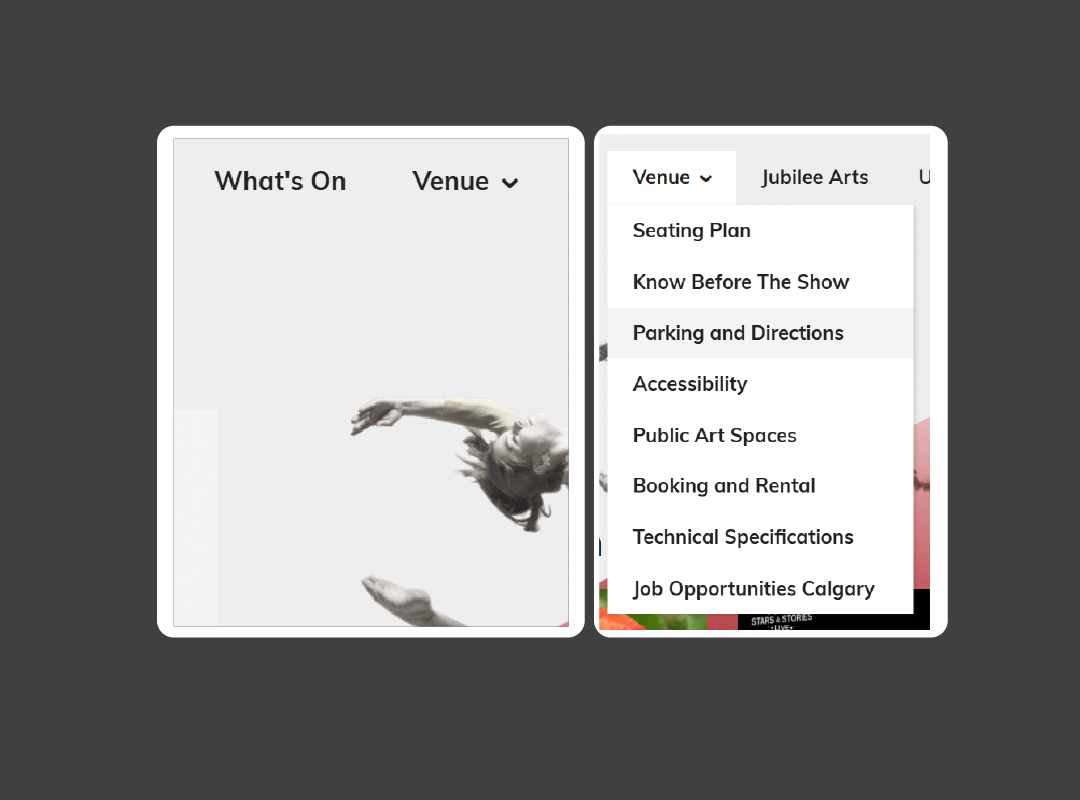
Determination : Failure
While the instances of content with hover/focus is both hoverable and persistent, it is not dismissible. I would remedy this by adding a keybind (such as ‘ESC’ to dismiss the menu)
WCAG 2.2 Website Audit
Comprehensive WCAG 2.2 report of the Calgary Jubilee landing page.